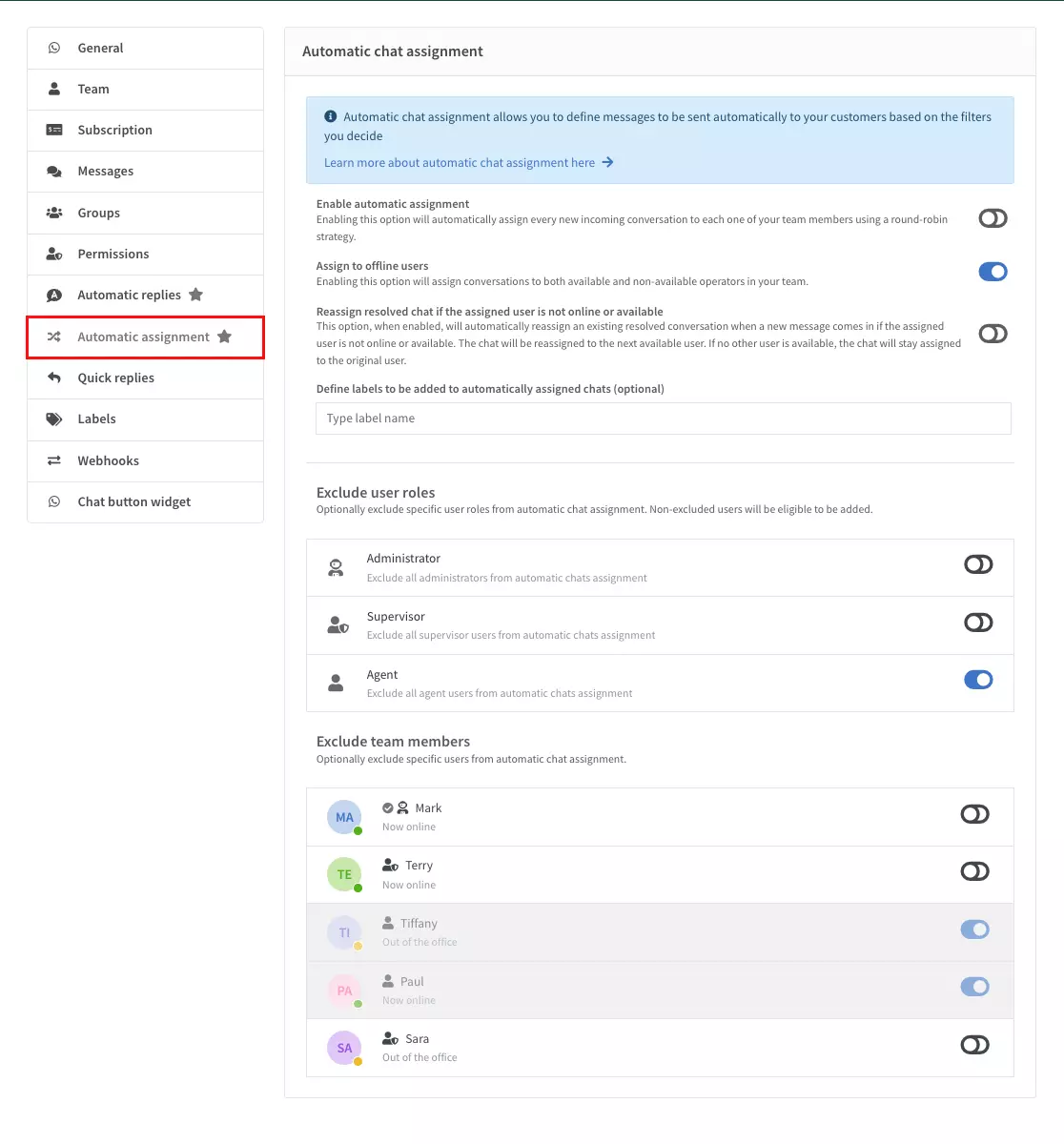

In this article, we'll explain how to configure automatic chat assignment in Verso Connect to ensure that incoming chat requests are efficiently distributed among your team.
Verso Connect's automatic chat assignment feature helps you manage incoming chat requests by evenly distributing them among available agents. This way, you can avoid overburdening a single agent and ensure each chat request is handled promptly and efficiently. Configuring automatic chat assignment allows you to balance the workload and improve your customer service response times.
How Automatic Chat Assignment Works
Automatic chat assignment distributes incoming chats among the team members who can take them, according to the availability options you choose (online, away, unavailable or offline users). Team members take turns receiving new chats, so the work is spread across the team. If the chat belongs to a department, only members of that department take part (see Departments below).